MyPeptideShelf
Planning your injection schedule on a calendar
Your prescriber gives you a schedule. Turning it into something you'll actually follow, week after week and around real life, is up to you. Here's how to plan the common schedule types on a calendar.
Common schedule types
| Type | How to plan it |
|---|---|
| Daily | The same time each day, tied to something you already do, like brushing your teeth or dinner. |
| Weekly | One fixed "shot day" at a set time. See shot day routine. |
| Every X days | These drift across the week, so write every date out in advance rather than counting each time. |
| Set weekdays | For example Monday, Wednesday and Friday. Easiest to follow with a weekly reminder for each day. |
Step by step
- Write down the schedule exactly as you were given it, including the start date.
- Fill in the next 8 to 12 weeks on a calendar. A printable 12-week calendar works for weekly shots.
- Check for conflicts: travel, holidays, busy days. Plan around them now. See traveling with injectable medication.
- Set reminders for each dose. See reminders on iPhone.
- Check supply against the calendar. See what's left and when the vial runs out. See tracking multiple vials.
More than one schedule
With several vials on different schedules, keep one calendar for all of them and mark each dose with its vial. Colour-coding helps on paper. Record which vial each dose came from, so you know what's left in each. See tracking multiple vials.
When the schedule changes
If your prescriber changes your schedule, update the calendar from that date forward, and keep the old entries as they were. Your history should show what you actually did.
How MyPeptideShelf does it
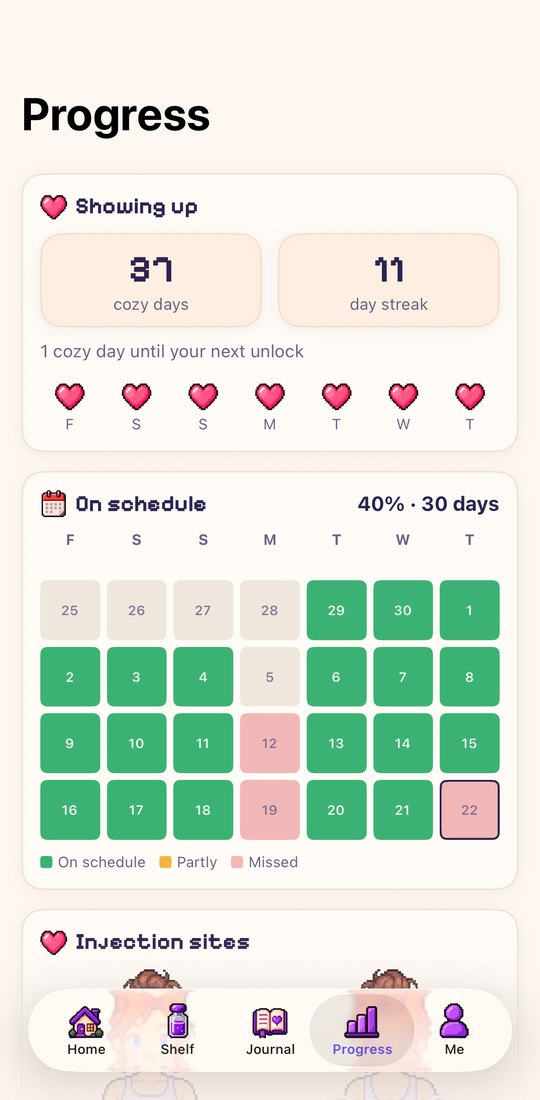
Give each vial its own schedule: daily, weekly, every few days or set weekdays. MyPeptideShelf then lays out past and upcoming doses on one calendar, marks what's done, and reminds you on each dose day.
Quick answers
How do I keep track of an every-few-days schedule?
Write every dose date out on a calendar in advance rather than counting each time, and set a reminder for each one.
How do I manage different schedules for different vials?
Use one calendar for everything and label each dose with its vial, so you can see the whole week and what's left in each vial.
Should I change my schedule to fit my week?
Talk to your prescriber first. This guide is about organising the schedule you've been given.
Track it in MyPeptideShelf
Vials, doses, sites and reminders in one cozy, private app. Free to start.