A simple 12-week tracker for a weekly shot. Write your shot day at the top, then tick off each week with the site you used. Keep it on the fridge, or save it as a PDF.
Site key: LA left abdomen · RA right abdomen · LT left thigh · RT right thigh · LUA left upper arm · RUA right upper arm · LB left upper buttock · RB right upper buttock
MyPeptideShelf is a personal tracking journal, not medical advice. Follow your prescriber's instructions.
Tips for using it
Fill in the dates for all 12 weeks when you print it, so a missed week stands out.
Write the site straight after each shot, and pick a different one next week. See injection site rotation.
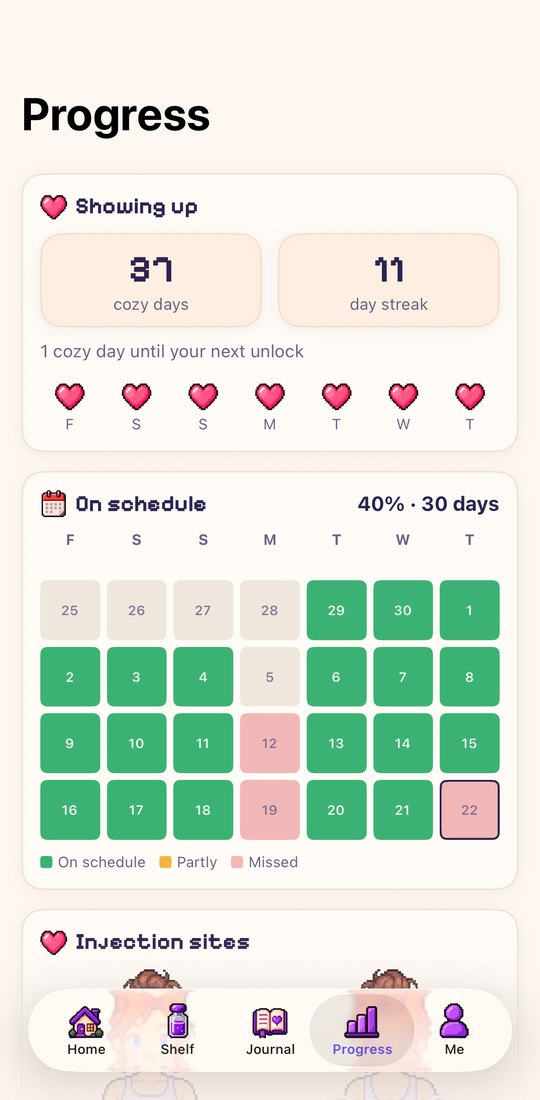
MyPeptideShelf keeps the same calendar automatically. Each logged dose fills in the day, along with its site and the amount. Upcoming shot days show ahead, and a reminder arrives on your shot day.
Quick answers
How do I print the shot calendar?
Press Print this calendar, or use your browser's print option. Choose Save as PDF to keep a digital copy.
What should I write in the notes column?
Anything worth remembering: a late dose, a tender site, or how you felt that week. It's useful to bring to appointments.
Track it in MyPeptideShelf
Vials, doses, sites and reminders in one cozy, private app. Free to start.
 MyPeptideShelf